
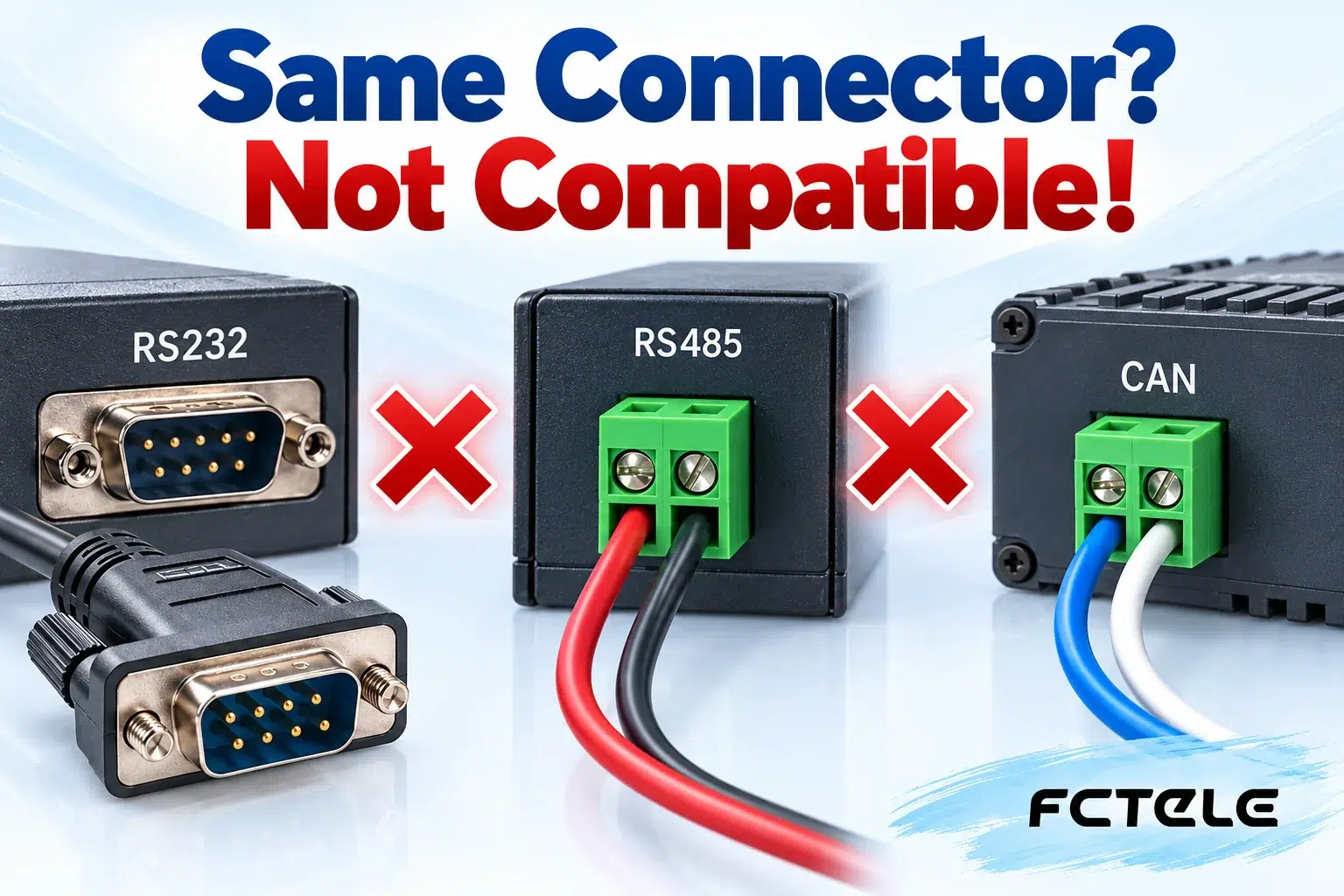
CAN, RS-485 and RS-232
RS232 vs RS485 vs CAN: Electrical Interfaces, Buses, and Arbitration
Check electrical interfaces, message formats and how nodes share the bus.
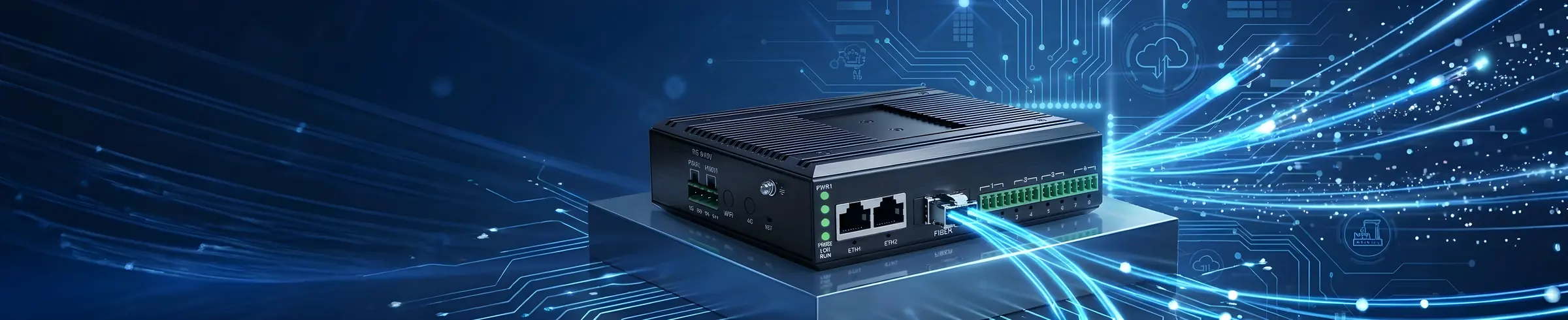
Group 1 is CAN and Group 2 is serial. The front also has one RJ45 and PWR/RUN/S1/S2 indicators. Follow the terminal assignments for the ordered serial model.
The low-voltage version uses two 9–70 V DC inputs through the 4-pin PWR1/PWR2 terminal block.
The built-in version uses a 3-pin cloverleaf inlet for 85–265 V AC or 110–300 V DC.
Use the rear clip on a 35 mm DIN rail. The wall-mount installation uses mounting bars.
| Standard | Signals | Reference |
|---|---|---|
| RS-485, 2-wire | A (TX+), B (TX−), GND | EIA/TIA-485 |
| RS-485, 4-wire | TxD+, TxD−, RxD+, RxD− | EIA/TIA-485 |
| RS-232 | RXD, TXD, GND | EIA/TIA-232 (ITU-T V.28) |
| RS-422 | TxD+, TxD−, RxD+, RxD− | EIA/TIA-422 (ITU-T V.11) |
Use the terminal assignments supplied with the ordered model.
Low-voltage terminal version shown. 110 × 86 × 40.0 mm (L × W × H), 0.495 kg per unit.
| Item | Specification |
|---|---|
| Processor and LAN | ARM Cortex-M4 at 240 MHz. One RJ45 10/100BASE-T(X) port with full/half-duplex auto-negotiation, Auto MDI/MDIX and a 4,096-address MAC table. |
| CAN terminals | One CAN channel on a 3.5 mm terminal block with CAN-H, CAN-L and GND. |
| Rates and frames | Up to 1 Mbps with automatic baud scanning and selectable custom rates. CAN 1.0 and CAN 2.0, 2.0A standard and 2.0B extended frames, ISO/DIS 11898. |
| Message handling | Up to 8,000 CAN frames transmitted per second. Receive timestamp accuracy up to 1 μs. |
| CAN transmission modes | Transparent conversion, transparent transmission with metadata and relay. |
| Serial port | One fixed RS-485, RS-232 or RS-422 port by model, on a 3.5 mm terminal block. 300–921,600 bps, with automatic scanning, custom rates and serial packet framing. |
| Item | Specification |
|---|---|
| Modes and sessions | Modbus TCP, TCP server/client and UDP server/client. Up to four TCP or UDP sessions per CAN or serial port. Standard TCP/IP socket access and virtual serial port drivers. |
| Network protocols | TCP, UDP, ARP, ICMP, HTTP, DNS, DHCP and SNMP. Supports routed networks and automatic connection restoration after a network interruption. |
| Configuration | Web and Windows tool configuration, access control, CAN and serial status and parameter monitoring, SNMP and local or remote firmware upgrades. |
| Item | Specification |
|---|---|
| CAN and serial protection | 6 kV surge protection and 3 kV optical isolation for both signal interfaces. 3 kV isolated DC-DC supply. CAN has an independent shield or reference ground. Industrial Level 4 EMC. |
| Enclosure and mounting | Fanless IP40 anodized aluminum enclosure, 35 mm DIN rail or wall mounting. |
| Environment | Operating/storage −40 to +85 °C, 0–95% operating RH without condensation. |
| Reliability | MTBF >100,000 hours. 100% burn-in testing. |
| Item | Low-Voltage Terminal | Built-In Wide Input |
|---|---|---|
| Supply input | Dual redundant 9–70 V DC | 85–265 V AC or 110–300 V DC |
| Inlet | 4-pin 5.08 mm PWR1/PWR2 plug-in terminal | 3-pin cloverleaf inlet |
| Protection | Isolation, overload and reverse connection protection. Automatic polarity detection. | Overload protection |
| Consumption | <5 W | <5 W |
In the N1D1 example, Group 1 connects to the charging controller (1 = CAN-H, 2 = CAN-L) and Group 2 connects to the meter (1 = A/TX+, 2 = B/TX−). Both share the 100 Mbps uplink. The acquisition PC interprets each field protocol.
Specify all three choices when ordering.
| Ordering Model | Fixed Serial Port |
|---|---|
| FCT-1300-N1D1 | RS-485 |
| FCT-1300-N1R1 | RS-232 |
| FCT-1300-N1X1 | RS-422 |
Choose N1D1 for RS-485, N1R1 for RS-232 or N1X1 for RS-422. Each has one CAN channel and one RJ45 uplink.
The server supports CAN 2.0A standard frames and CAN 2.0B extended frames.
The CAN port and serial port each support up to four TCP or UDP sessions.
The low-voltage version has dual 9–70 V DC terminals. The built-in version has a cloverleaf inlet for 85–265 V AC or 110–300 V DC.
Use the rear clip for a 35 mm DIN rail or order the wall-mount hardware.
Check electrical interfaces, message formats and how nodes share the bus.
Understand how wire bits and decoded frames relate when comparing captures.
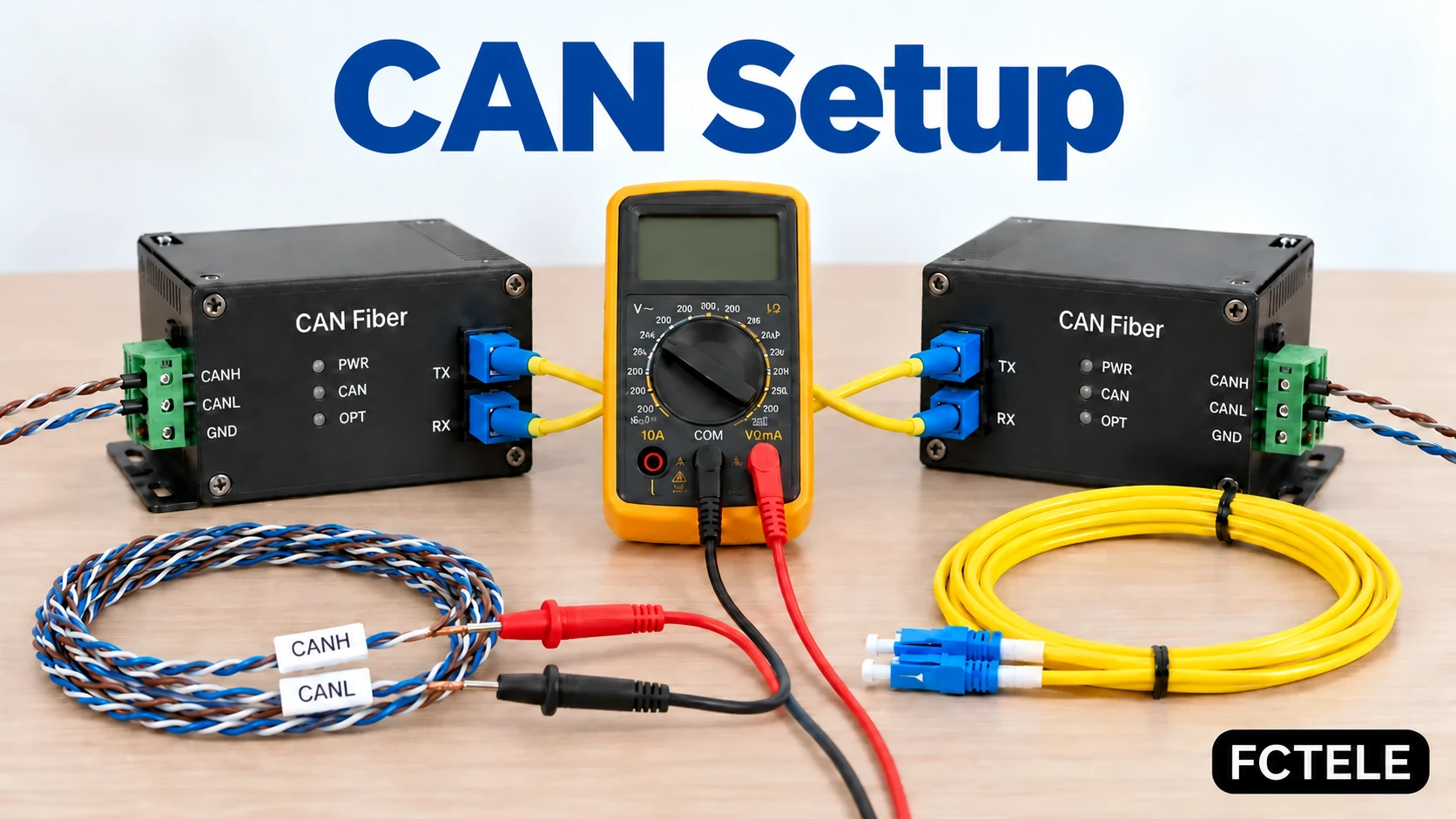
Use known-good wiring and verify the local CAN segment and bitrate before tracing the transport link.
Tell us your application, quantity and preferred configuration.
