
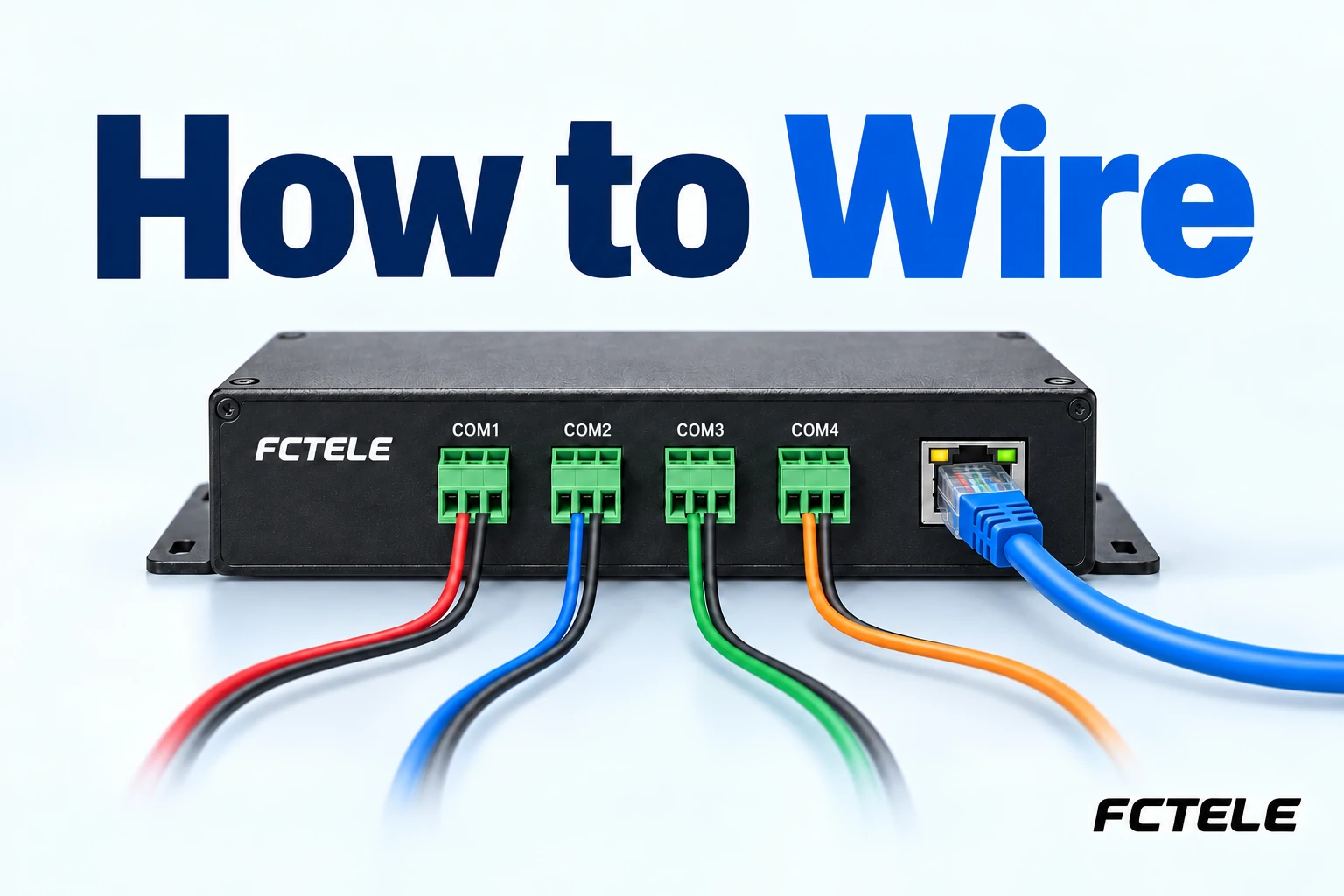
Channel mapping
How to Wire a Multi-Serial Server: Channel Mapping, RS232 and RS485
Map serial ports to their network services and check RS-232 and RS-485 wiring.

Check the OLED display and keys, 32 TXD/RXD channel indicators, USB-C, power and run indicators, and reset button.
Identify the ordered power inputs, 32 numbered RJ45 serial ports, Console, WAN copper and LAN copper/fiber combo. Follow the supplied serial pinout when wiring.
Chassis 440 × 197 × 45 mm, 19-inch 1U rack format. Allow rear cabling clearance and keep the side ventilation clear.
| Item | Specification |
|---|---|
| Processor / system | Heterogeneous dual-core Cortex-A35 and Cortex-M4 running OpenWrt. |
| Serial interface | 32 RJ45 ports. The S32 version selects one of RS-232, RS-422 or RS-485 per channel in the web interface. Fixed or mixed port assignments are factory options. |
| Serial line rate | RS-232: 300 bps to 256 kbps. RS-422/485: 300 bps to 1.5 Mbps. Line-rate non-blocking communication supported. |
| Ethernet | Two 10/100/1000Base-T RJ45 connections and one Gigabit optical connection. The LAN copper and fiber share one combo interface. Dual IP/MAC, IEEE 802.3ab/802.3z, auto-negotiation, full/half duplex, MDI/MDIX and 4,096-entry MAC learning. |
| Fiber options | Single- or dual-fiber. SC, FC, ST or LC (SFP) by configuration. Multimode 850/1310 nm or single-mode 1310/1550 nm. Reach up to 80 km without a relay, depending on the module and link. |
| Display and controls | OLED shows IP and serial type. Three panel keys, 32 TXD/RXD channel indicators, PWR/RUN and RESET. One Console interface and one front USB-C port. |
| Power options | Nominal 220 V AC, −48 V DC or 24 V DC. Specify single power or dual AC, dual DC or AC + DC when ordering. |
| Environment | Operating and storage temperature −40 to +85 °C. Relative humidity 0–95%, non-condensing. MTBF >100,000 h. |
| Chassis and weight | Fanless 19-inch 1U steel case. Body 440 × 197 × 45 mm. Weight 1.9 kg per unit. |
| Standard | Signals |
|---|---|
| RS-232 | EIA/TIA-232 (ITU-T V.28). RXD, TXD and GND. |
| RS-422 | EIA/TIA-422 (ITU-T V.11). TxD+, TxD−, RxD+, RxD− and GND. |
| RS-485 | EIA/TIA-485. Four-wire: TxD+, TxD−, RxD+, RxD− and GND. Two-wire: A (TX+), B (TX−) and GND. |
The table identifies signals. Use the delivered RJ45 wiring diagram for pin assignments.
| Function | Capabilities |
|---|---|
| Network modes | TCP Server, TCP Client, UDP Server, UDP Client and Modbus TCP. |
| Sessions | Up to four TCP or UDP sessions per serial port. TCP permits up to four users to monitor or manage a channel. UDP supports single- or multiple-peer communication. |
| Network protocols | TCP, UDP, ARP, ICMP, HTTP, DNS, DHCP, SNMP, Telnet, SSH and MQTT. |
| Modbus | Modbus RTU to Modbus TCP conversion and Modbus to MQTT. |
| MQTT and JSON | Multi-topic publish/subscribe, transparent transmission, Modbus-to-JSON packets, JSON distribution and scheduled reports. |
| Cloud platforms | MQTT integration with Huawei Cloud, Alibaba Cloud and Mobile Cloud, subject to platform settings. |
| Encryption and access | SSL encryption for serial data and access control. |
| Legacy software | Virtual COM driver option and standard TCP/IP socket access. |
| Network recovery | Gateway and cross-routing support, with automatic connection restoration after a network interruption. |
| Data framing | Configurable serial packetization. |
| Monitoring and management | Web, SNMP, SSH, Telnet and Windows setup tools. Serial status monitoring and local or remote firmware upgrade. |
| Network organization | Dual IP and MAC. Network sessions can be assigned separately per serial channel. |
| Interface / Test | Rating | Notes |
|---|---|---|
| Power interface | 6 kV open circuit | Surge test on power inputs. |
| All serial ports | 6 kV open circuit | Surge protection with 2.5 kV serial channel isolation. |
| Ethernet ports | 4 kV open circuit | Surge test on RJ45 network ports. |
| Serial optical isolation | 2.5 kV per channel | Isolation provided per serial port. |
| RS-485 grounds | 2.5 kV electrical isolation | Independent line shielding and grounding. |
| AC fault isolation | 220 V or 380 V AC test | Protection of other ports on the isolated side under the specified fault test. These voltages do not apply in normal serial operation. |
Surge test: GB/T 17626.5 (IEC 61000-4-5), 10/700 μs open-circuit waveform, 40 Ω source impedance. Ratings describe the test conditions. Follow the installation requirements for grounding and wiring.
Connect instruments to the numbered serial channels, match settings per channel and use the Ethernet network for host access. The figure shows three terminals on a 32-channel unit. Coordinate host requests if multiple sessions access the same terminal.
Configure the client to reach the peer server IP and service port. Verify the routed path and assign sessions separately for each serial channel.
G1 is the separate Gigabit copper link. C1 is the Gigabit copper/fiber combo. Use one medium on the combo at a time.
| Ordering Model | Configuration |
|---|---|
| FCT-1700-G1C1S32 | 32 Web-selectable RS-232/422/485 ports. One Gigabit copper WAN and one copper/fiber LAN combo. Example order: 220 V AC + −48 V DC. |
| Item | Confirm before ordering |
|---|---|
| Serial ports | D = RS-485, R = RS-232, X = RS-422, S = Web-selectable. The numeral states how many ports use each standard, up to 32 total. Fixed formats may be mixed by order. |
| Fiber link | Confirm speed, single-mode or multimode, single- or dual-fiber, connector, wavelength and distance. |
| Power and cables | Confirm each nominal input and any serial cable or fiber accessories. Use the supplied RJ45 serial wiring definition. |
Yes. In the S32 version, the web interface selects one standard per port: RS-232, RS-422 or RS-485. Fixed and mixed builds are configured at the factory.
Use WAN or LAN for Ethernet. The numbered RJ45 serial ports have a separate signal assignment. Follow the delivered wiring diagram.
The datasheet specifies four TCP or UDP sessions per serial port. Each channel has its own serial parameters and network session settings.
The LAN copper and optical connections form one combo interface. Use one at a time. The Gigabit copper WAN is a separate network interface.
The datasheet lists single power, dual AC, dual DC and AC + DC. Specify 220 V AC, −48 V DC or 24 V DC for each applicable input.
Map serial ports to their network services and check RS-232 and RS-485 wiring.

Set up a known terminal and verify wiring, network access and virtual COM.
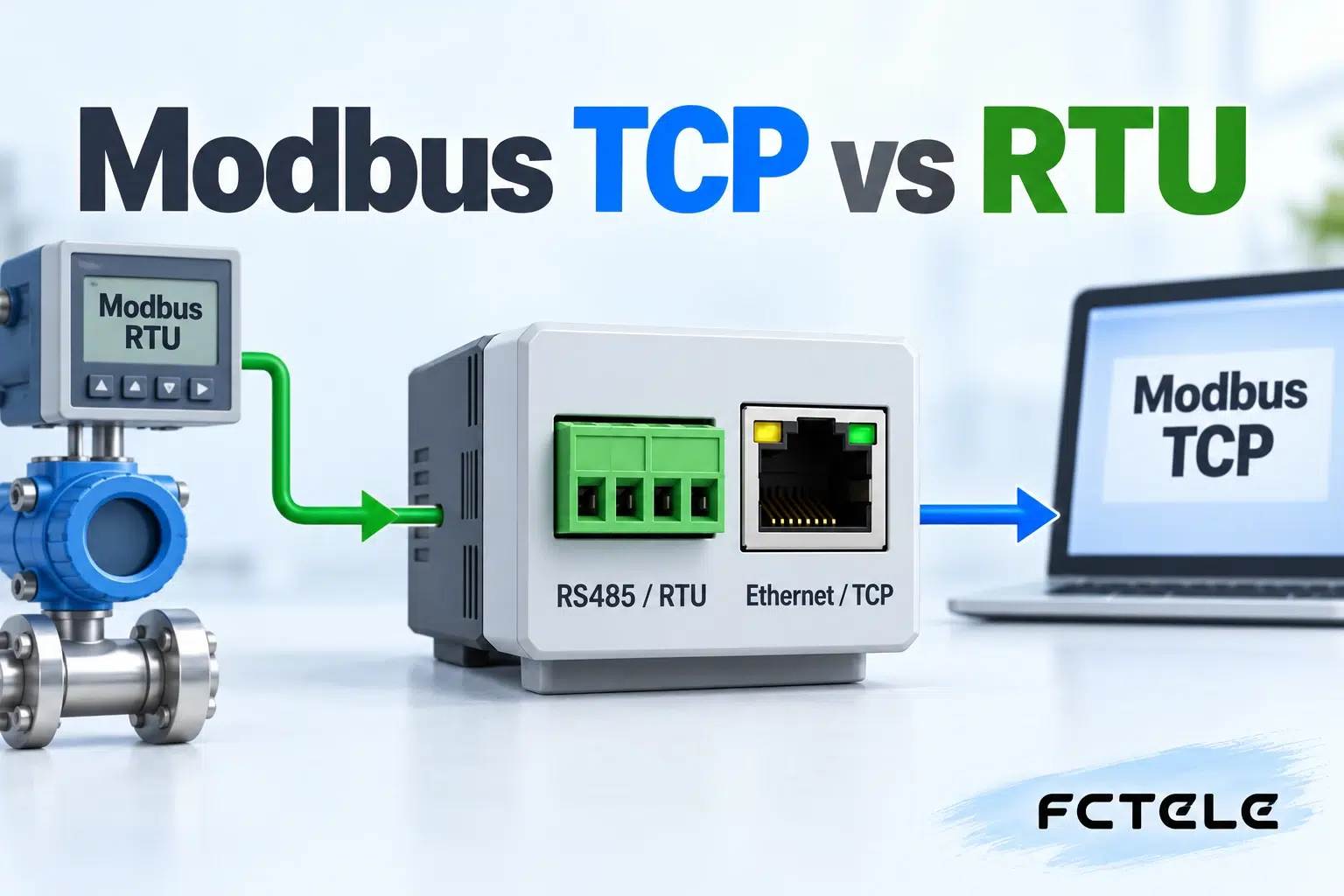
Check message formats, gateway conversion and response timing.
Tell us your application, quantity and preferred configuration.
