
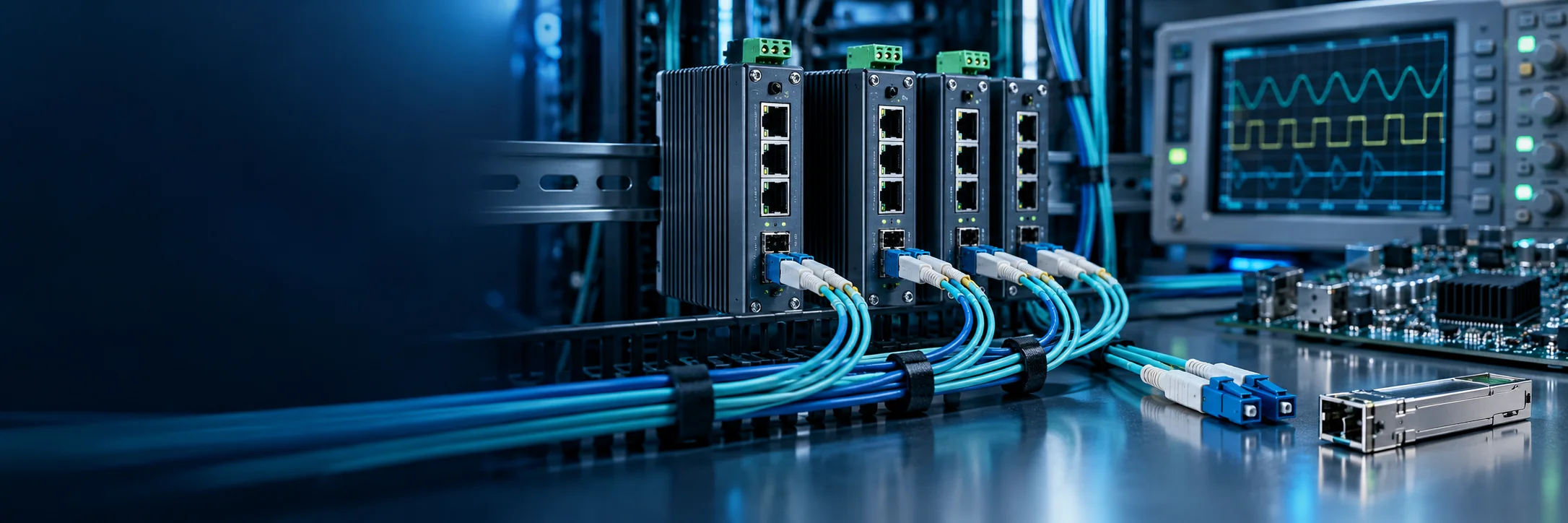

Port mirroring copies selected Ethernet frames from source ports to a dedicated monitor port. Engineers can inspect PLC polling, camera streams, broadcasts, retries, and failed sessions while production traffic follows its normal path. Mirroring supplies evidence; it does not interpret a protocol, repair a loop, or prove application health.

Separate source, monitor, and direction
The source is the business port under observation. The monitor destination outputs copied frames to the analyzer. Some switches mirror several ports or a VLAN; others allow one session. Confirm the model, firmware, and guide.
Ingress copies frames entering the switch; egress copies frames leaving it; bidirectional copies both. A one-direction trace must not be presented as a complete conversation.
Build a safe capture topology
Connect a dedicated analysis computer. Disable bridging and sharing. Never connect the monitor port back into production. Record port numbers, link rates, clock, interface, and filters.
Several gigabit sources can exceed one gigabit monitor port. Production may remain healthy while the trace loses packets. Reduce sources and duration, then check switch discards and analyzer drop counters.

Configure one variable at a time
Save the configuration and verify that the monitor port is not an uplink, ring, management path, or endpoint. Start with one source and direction. Generate a small approved exchange and confirm the copy without changing the application. Vendor names and commands differ.
Keep switch evidence beside the trace
Store the capture with port speed, bytes, errors, discards, broadcast rate, and event logs. If a packet is absent, these records distinguish a silent source, replication problem, and congestion. Capture both sides when necessary.
Software timestamps have limits. Sub-millisecond investigations may require hardware timestamps and PTP. Correlate timing with device logs and repeatable tests.
Interpret symptoms carefully
If only one direction appears, check configuration before declaring the peer unresponsive. ARP without application data requires VLAN, IP, transport-port, and device-state checks. Duplicate frames may reflect redundancy, retries, loops, or duplicate mirror sources.
Encrypted traffic still exposes addresses, lengths, and timing, but not readable payload. Limit capture scope, retention, and access, then remove files under site policy.
Validate and remove the session
Confirm production remains normal, selected frames reach the analyzer, unrelated traffic is not copied, and the monitor port does not discard under planned load. Remove temporary sessions and restore the port.
Record model, firmware, source, monitor, direction, time, filters, checksum, counters, and conclusion. FCTEL managed switch capabilities vary by model; confirm support and limits in current documentation.
