
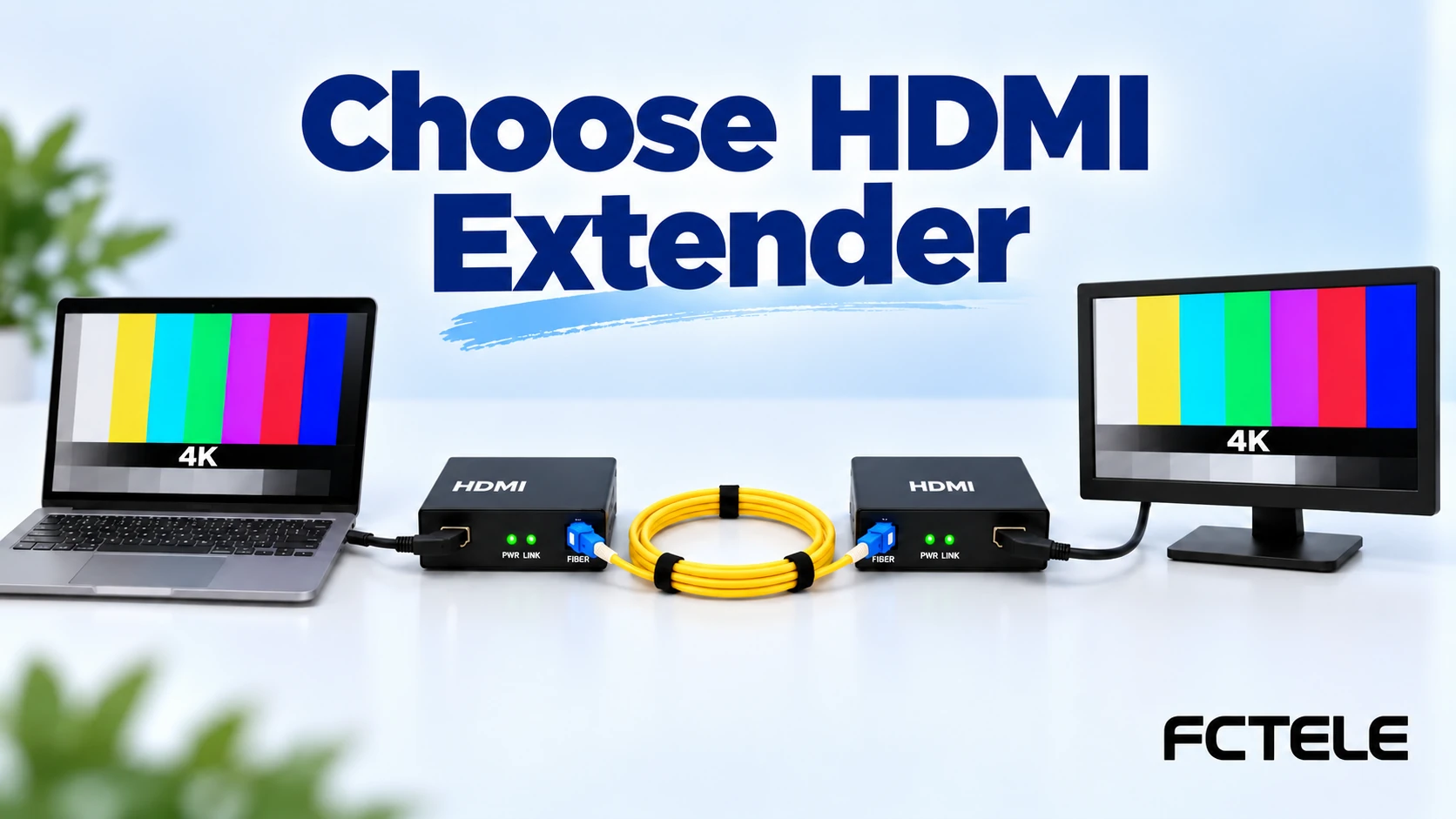
Selection
Choosing HDMI Fiber Extenders: Video Modes and Optical Budget
Check video formats, optical budget and auxiliary interface needs.

Photos show the HDMI and fiber sides of the enclosure. Use matched transmitter and receiver units.
HDMI is input on TX and output on RX. The 3.5 mm jack is for analog audio. Wire the serial terminal for the ordered interface.
Insert an LC SFP in the FIB slot. Power both ends separately at 5 V DC, center positive.
Place the unit on a desktop or attach it through the mounting ears. Leave clearance for connectors and cable bends.
| Connection | Use |
|---|---|
| HDMI video port | One HDMI-A receptacle per end. TX: input. RX: output. HDMI 2.0, compatible with HDMI 1.4. |
| Analog audio | One 3.5 mm AUDIO connection. Confirm input or output and wiring for each unit on the order. |
| Serial interface | One removable five-position terminal. Select D1 RS-485, R1 RS-232 or X1 RS-422. |
| Serial signals | D1 RS-485: A/B for two wires or TXD±/RXD± for four wires. R1 RS-232: TXD/RXD/GND. X1 RS-422: TXD±/RXD±. Follow the supplied unit markings. |
| Optical interface | One FIB slot per end for an LC SFP. Choose single-fiber or dual-fiber optics. |
| Power and status | 5 V DC center-positive barrel jack. Power each end separately. See the front-panel indicator legends. |
| Item | Specification |
|---|---|
| HDMI video port | One HDMI-A receptacle per end. TX: input. RX: output. HDMI 2.0, compatible with HDMI 1.4. |
| Video formats | Up to 4096 × 2160 at 60 Hz, including 3840 × 2160 at 60 Hz. YCbCr 4:4:4 / 4:2:2 / 4:2:0. Up to 18 Gbps and 600 MHz pixel clock. |
| EDID and protection | EDID return, HDCP 1.4 / 2.2 and compatible 3D formats. Built-in HDMI ESD protection. |
| Embedded audio | One embedded HDMI audio channel. The source and display negotiate LPCM or compressed audio formats. |
| Analog audio | One 3.5 mm AUDIO connection. Confirm input or output and wiring for each unit on the order. |
| Item | Specification |
|---|---|
| Serial interface | One removable five-position terminal. Select D1 RS-485, R1 RS-232 or X1 RS-422. |
| Serial signals | D1 RS-485: A/B for two wires or TXD±/RXD± for four wires. R1 RS-232: TXD/RXD/GND. X1 RS-422: TXD±/RXD±. Follow the supplied unit markings. |
| Optical interface | One FIB slot per end for an LC SFP. Choose single-fiber or dual-fiber optics. |
| Optical options | Typical: multimode 300 m (850/1310 nm), single-mode 10–80 km (1310/1550 nm). Check module specifications and installed link budget. |
| Power and status | 5 V DC center-positive barrel jack. Power each end separately. See the front-panel indicator legends. |
| Enclosure / environment | Anodized aluminum. Operating and storage: −40 to +85 °C. 0–95% RH, non-condensing. MTBF >100,000 h. |
| Item | Specification |
|---|---|
| 4K | 3840 × 2160 at 30/60 Hz. Up to 4096 × 2160 at 60 Hz. |
| HD / Full HD | 1280 × 720p50/p60, 1920 × 1080p24/p25/p30/p50/p60 and 1920 × 1080i50/i60. |
| Computer resolutions | 60 Hz: 800 × 600, 1024 × 768, 1280 × 800, 1280 × 1024, 1360 × 768, 1366 × 768, 1400 × 1050, 1440 × 900, 1600 × 900, 1600 × 1200, 1680 × 1050, 1920 × 1200. |
Resolution, chroma and audio formats depend on the source, display and HDMI cables.
Video and embedded audio share the HDMI link. The serial port carries control traffic. Power each end with 5 V DC.
Match TX and RX serial ports. Specify quantities, fiber type and count, wavelength and reach. Specify adapters, SFPs, HDMI cables and fiber patch cables on the order.
| Full Model Code | Configuration |
|---|---|
| FCP-1530-VJ1AA1D1 | 4K60 HDMI + 3.5 mm analog audio + RS-485. |
| FCP-1530-VJ1AA1R1 | 4K60 HDMI + 3.5 mm analog audio + RS-232. |
| FCP-1530-VJ1AA1X1 | 4K60 HDMI + 3.5 mm analog audio + RS-422. |
| Code | Definition |
|---|---|
| FCP-1530 | Product series. |
| VJ1 | One 4K60 HDMI channel with embedded audio. |
| AA1 | One 3.5 mm analog audio interface. |
| D1 | One RS-485 port. |
| R1 | One RS-232 port. |
| X1 | One RS-422 port. |
Yes. Supported video reaches 4096 × 2160 at 60 Hz. The actual mode depends on source, display and HDMI cables.
One embedded HDMI audio channel. The source and display negotiate LPCM or compressed audio formats. One 3.5 mm AUDIO connection. Confirm input or output and wiring for each unit on the order.
One removable five-position terminal. Select D1 RS-485, R1 RS-232 or X1 RS-422. Match the serial interface on both ends.
Typical: multimode 300 m (850/1310 nm), single-mode 10–80 km (1310/1550 nm). Check module specifications and installed link budget. Match the optics at both ends for the fiber type and strand count.
5 V DC center-positive barrel jack. Power each end separately. See the front-panel indicator legends.
Check video formats, optical budget and auxiliary interface needs.
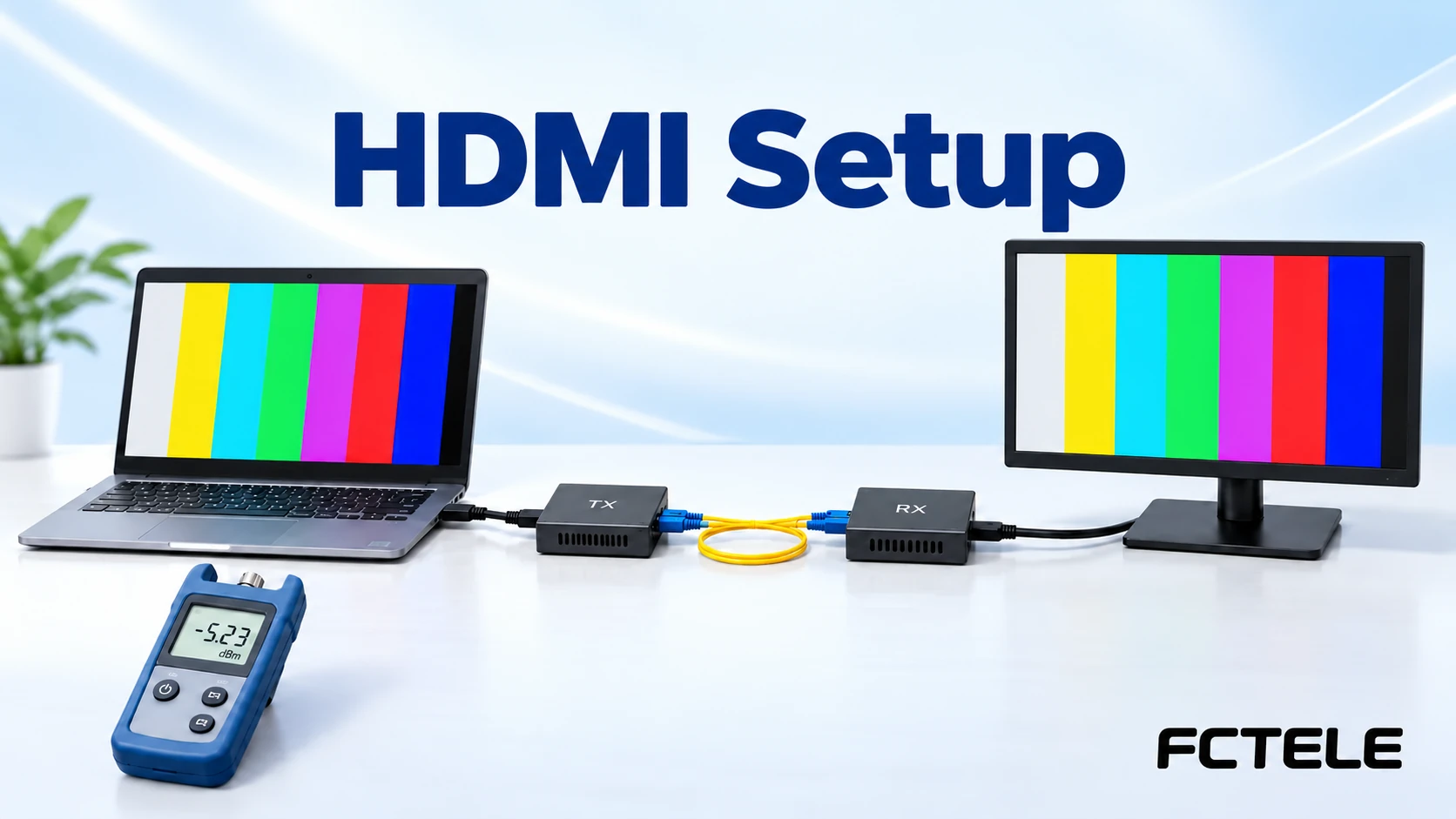
Test both ends on a short link and then verify the installed fiber path.
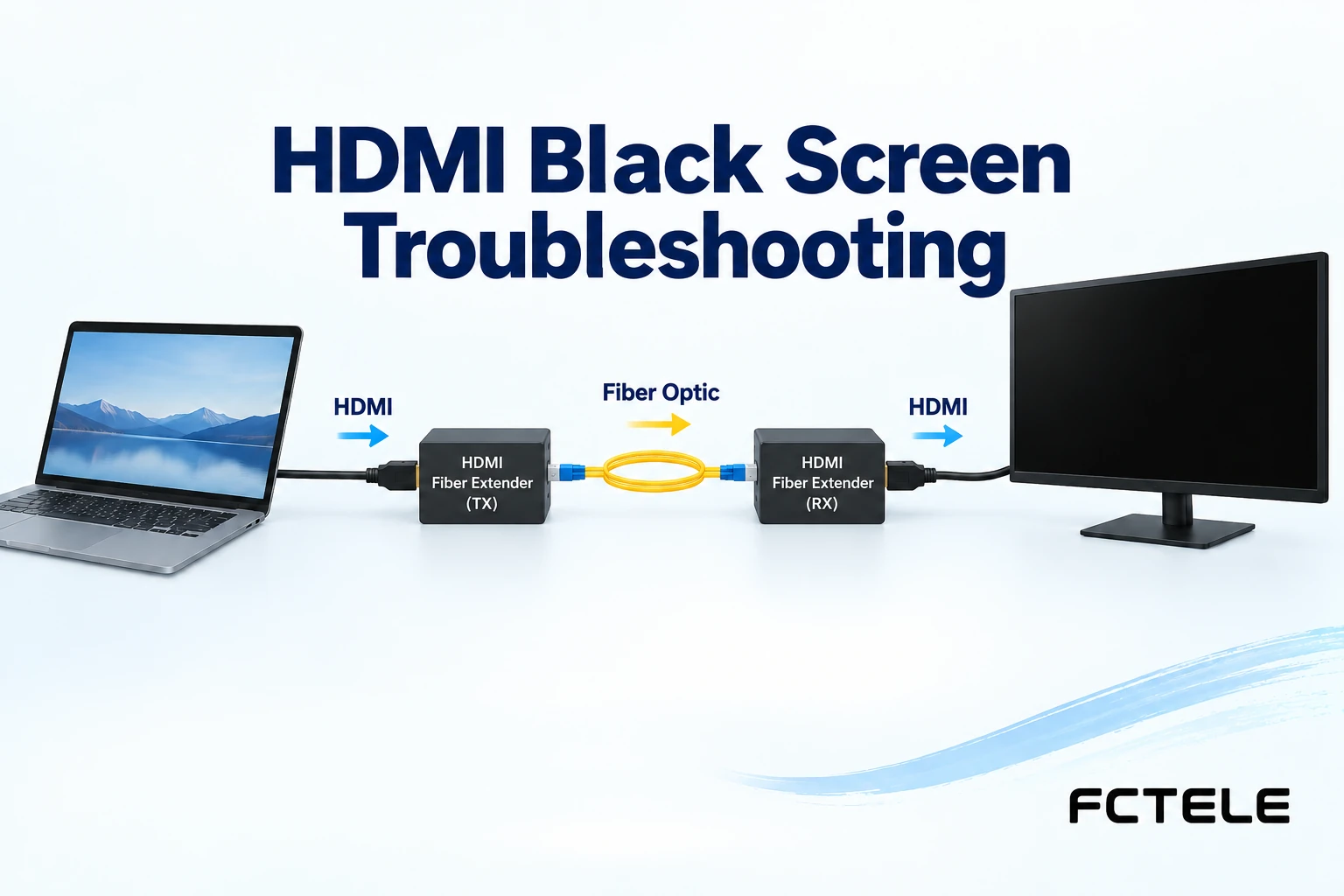
Trace black screens and flickering through EDID, bandwidth and HDCP checks.
Tell us your application, quantity and preferred configuration.
