

Serial-server setup
How to Use an Industrial Serial Server: From Wiring and Network Setup to Virtual COM Ports and Common Issues
Check the common steps for wiring, network access and polling.

The front diagram follows the confirmed eight-pin layout. Check the shipped enclosure and terminal markings before wiring.
Secure the enclosure with the 35 mm DIN clip or wall mounting holes, and allow room for both cable ends.
| Pins | Marking | Connection |
|---|---|---|
| 1–2 | VCC / GND | Connect 5–70 V DC positive to VCC and supply negative to GND. |
| 3–5 | GND / RXD / TXD | RS-232 signal ground, receive and transmit. Match receive to the peer transmit line. |
| 6–8 | 485 G / 485 B / 485 A | RS-485 signal reference, B and A, in that order. Verify polarity against both devices. |
In the front view with the terminal block at the top, the pin order runs from left to right.
97 × 54 × 32 mm, 72 g. Reserve space for terminal wiring and the Ethernet cable.
| Item | Specification |
|---|---|
| Processor | ARM Cortex-M4 at 240 MHz. |
| Network | One 10/100BASE-T(X) RJ45 with Auto-MDI/MDIX. |
| Serial channels | One RS-485 and one RS-232 with independent simultaneous communication. |
| Baud rate | 300–921,600 bps. RS-232 is limited to 256 kbps. Custom rates are supported. |
| Power and terminal | One 5–70 V DC input with overload and reverse-polarity protection. Eight-pin, 5.08 mm-pitch screw terminal. Under 3 W. |
| Enclosure | Plastic, fanless, 97 × 54 × 32 mm, 72 g. 35 mm DIN rail or wall mount. |
| Environment | −40 to +85 °C. 0–95% RH, non-condensing. MTBF above 100,000 h. |
| Item | Specification |
|---|---|
| Network protocols | TCP, UDP, ARP, ICMP, HTTP, DNS, DHCP, SNMP and MQTT. |
| Modes and conversion | TCP Server/Client, UDP Server/Client, Modbus RTU-to-TCP, MQTT transparent transmission and Modbus-to-JSON conversion. |
| Sessions and integration | Up to four TCP or UDP sessions per serial channel. Supports virtual serial ports, TCP/IP sockets and routed networks. |
| Monitoring and recovery | Serial framing, parameter and status monitoring. Automatic reconnection after network loss. |
| Configuration | Web, Windows tools, serial port configuration and SNMP. Supports local and remote upgrades. |
Coordinate simultaneous requests to the same instrument in the host system.
| Interface | Peak Voltage | Conditions |
|---|---|---|
| Power | 6 kV | Overload and reverse-polarity protection. |
| RS-232 and RS-485 | 6 kV | Protection against surges on the serial lines. |
| RJ45 | 4 kV | Protection against surges on the Ethernet cable. |
Test standard: GB/T 17626.5 / IEC 61000-4-5, 10/700 μs open-circuit waveform and 40 Ω source impedance.
Connect the RS-485 meter and the RS-232 instrument to their respective channels. The host collects both over Ethernet.
Use one unit at each site. Map the two channels separately, match serial and application settings, and connect the client to each corresponding TCP server address and port.
Specify the mounting hardware, power supply and cables with the order.
| Ordering Model | Configuration |
|---|---|
| FCT-1200-F1D1R1 | One RS-485, one RS-232 and one Fast Ethernet port. Single 5–70 V DC input. |
| Segment | Definition |
|---|---|
| FCT / 1200 | Product prefix and DIN-rail serial-server series. |
| F1 | One Fast Ethernet copper port. |
| D1R1 | One RS-485 and one RS-232 channel. |
Yes. The two serial channels communicate independently and can operate simultaneously.
RS-232 supports up to 256 kbps. The published serial range extends to 921,600 bps on the device.
Yes. The unit supports RTU-to-TCP conversion. Match the serial link parameters and configure the host address and port.
Up to four TCP or UDP sessions per serial channel. Coordinate requests if several sessions share the same instrument.
Connect 5–70 V DC to pins 1–2, VCC and supply GND. Check the front marking on the delivered unit.
Check the common steps for wiring, network access and polling.
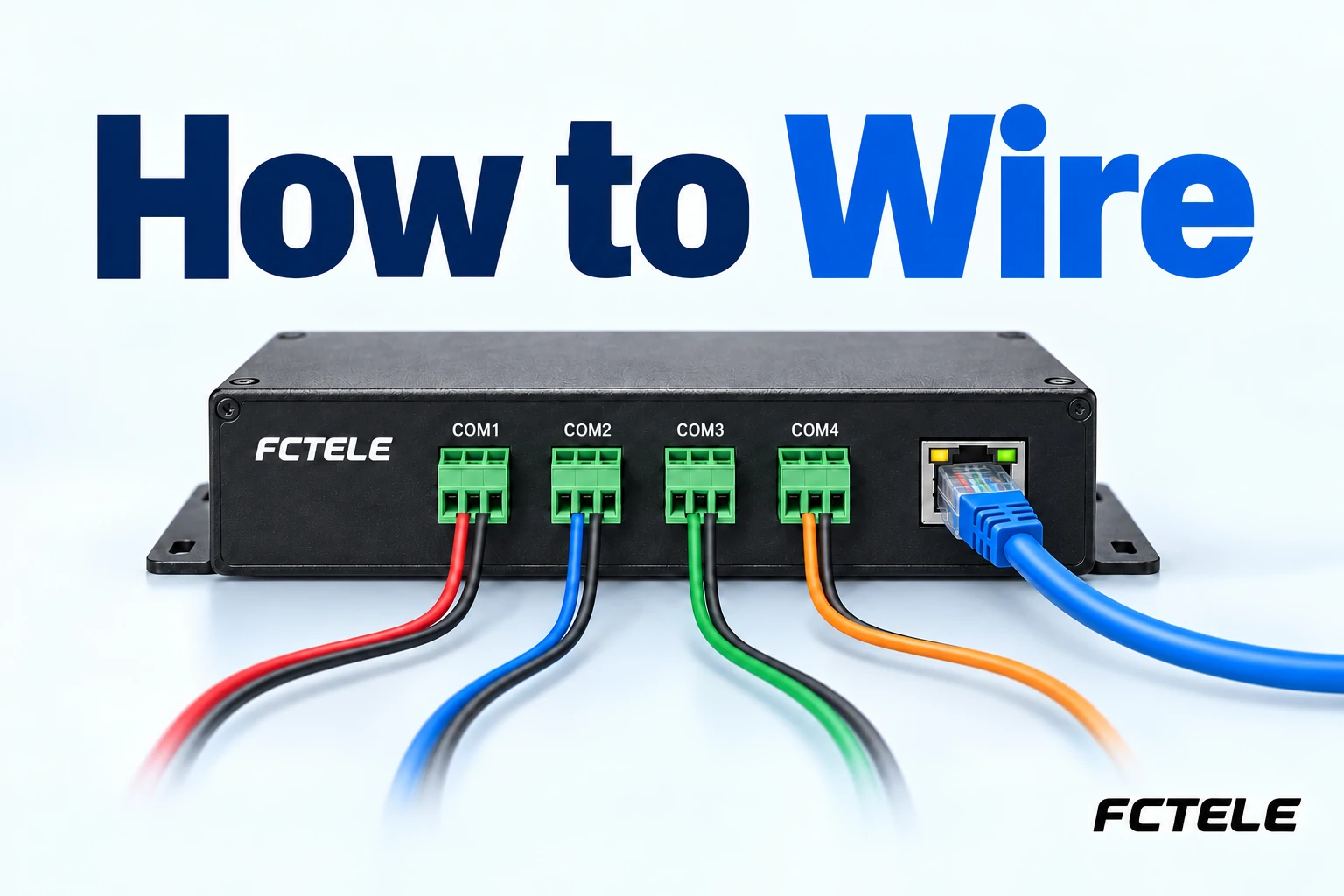
Use the correct electrical interface and map each serial channel.
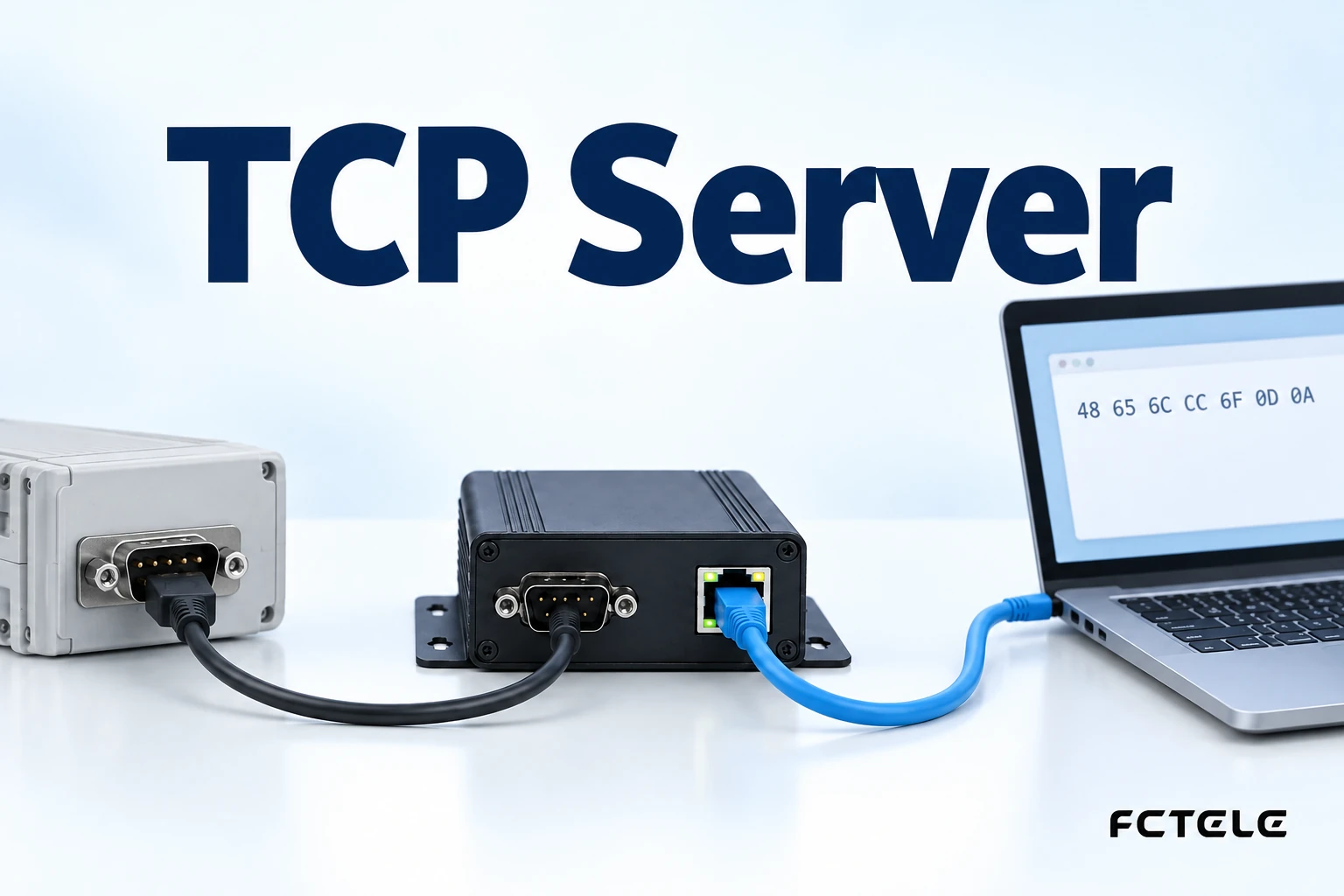
Identify client and server endpoints and verify framing.
Tell us your application, quantity and preferred configuration.
